A calm notebook for looking after someone who's unwell.
Write down medicines, temperatures and how they've been. Hand over to the next carer. Print a clear page for the doctor.
Free. Works offline. Your notes stay on your phone.
What you can do
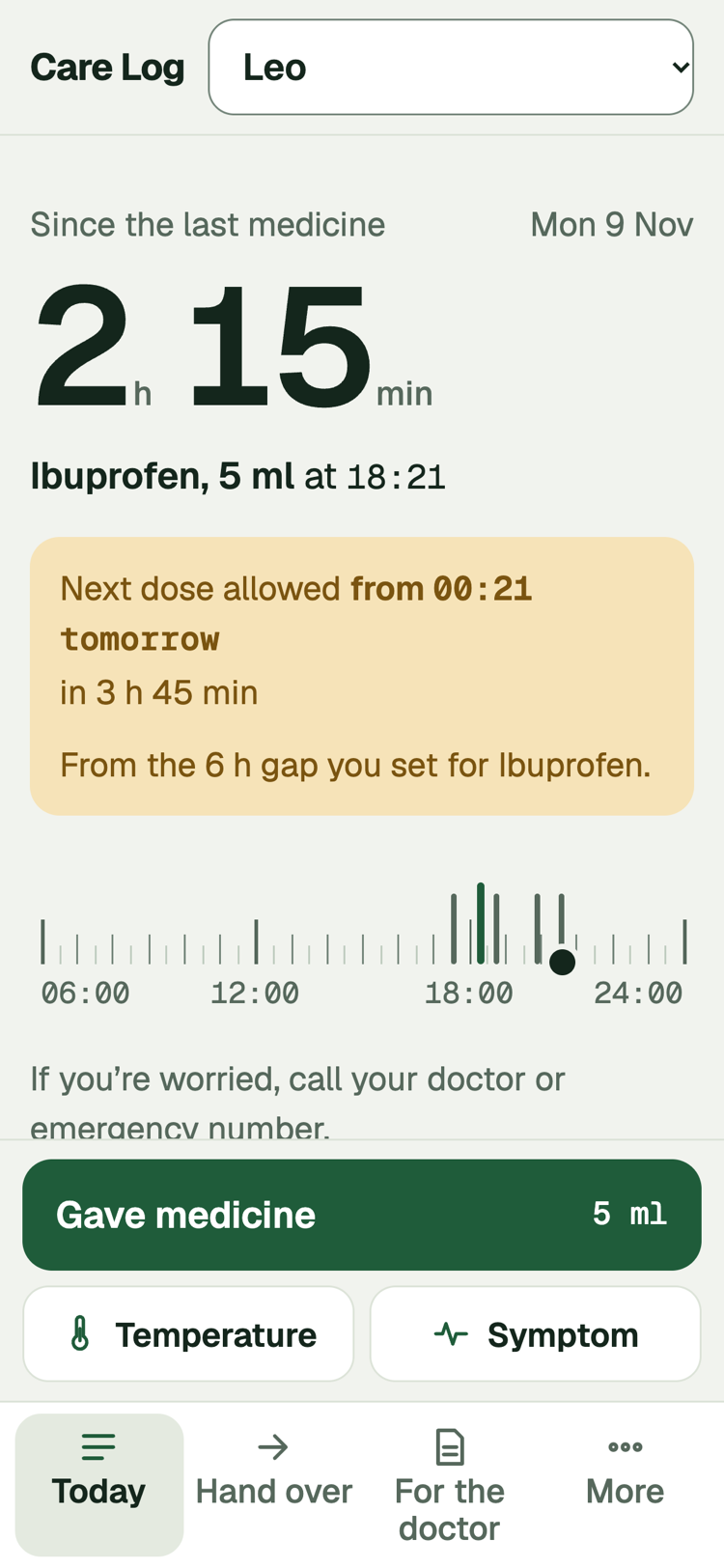
Log in one tap
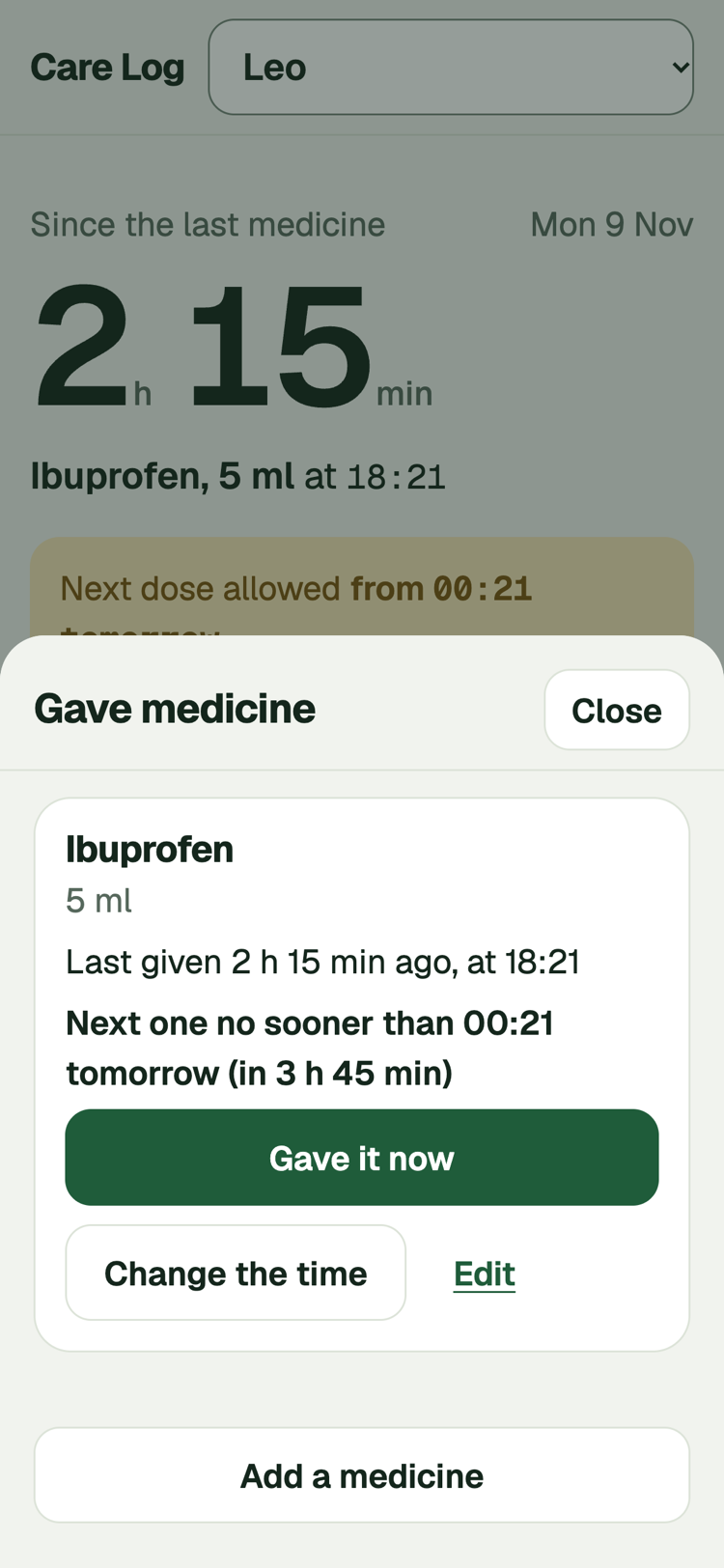
Save each medicine once. After that, "Gave it now" is one tap, and the card tells you when it was last given.
Hand over
A plain summary of the last 12 hours. You read it first, then share it, copy it or text it to whoever's next.
For the doctor
The last day, 3 days or 7 days on one printable page: a temperature chart, medicines given, symptoms by day and your questions.
Every screen
Here is the whole notebook, one screen at a time.
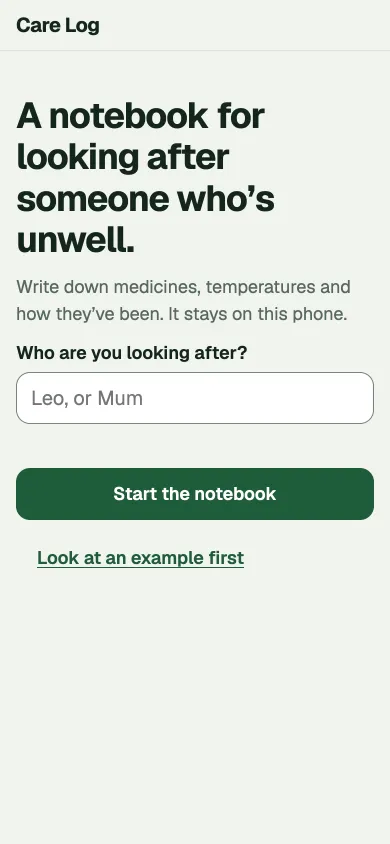
Start the notebook
The first screen: type who you are looking after, or look at an example.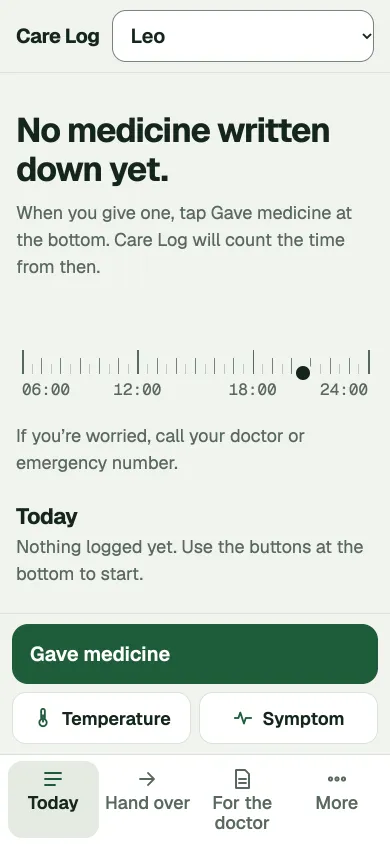
A fresh day
Today with the big buttons at the bottom, ready for the first note.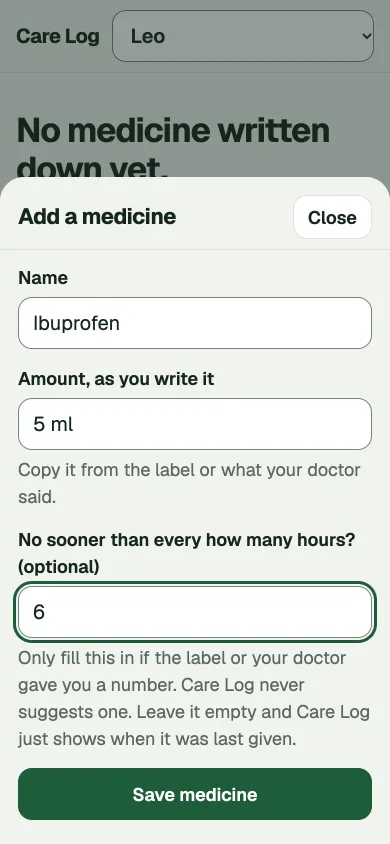
Save a medicine
Type the name and amount once. Add a gap in hours only if the label gives one.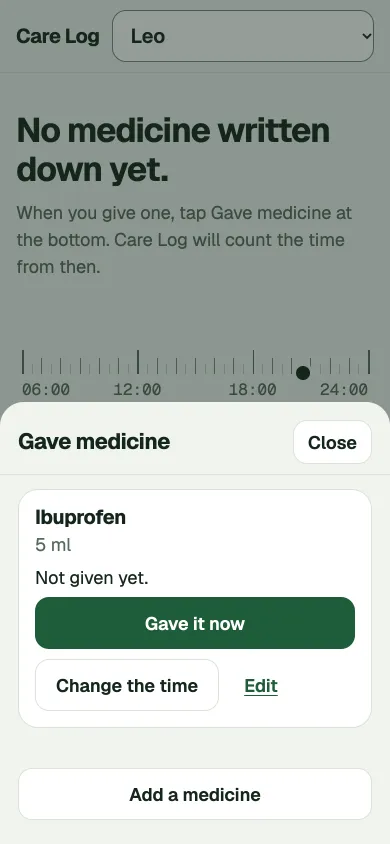
Pick a medicine
One tap on Gave it now, or change the time.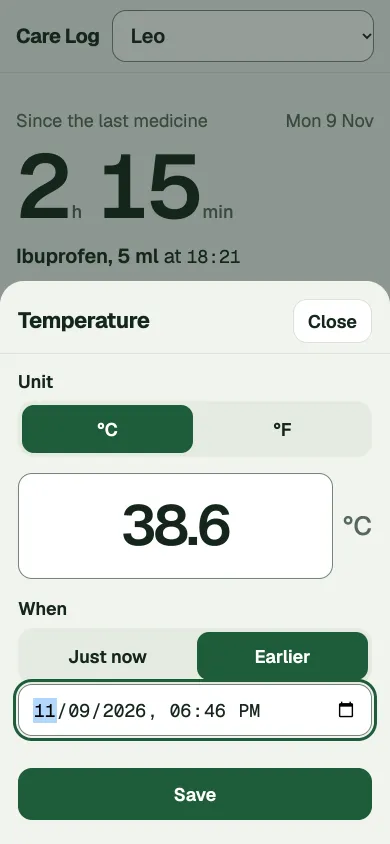
Take a temperature
Type the reading and say when it was taken.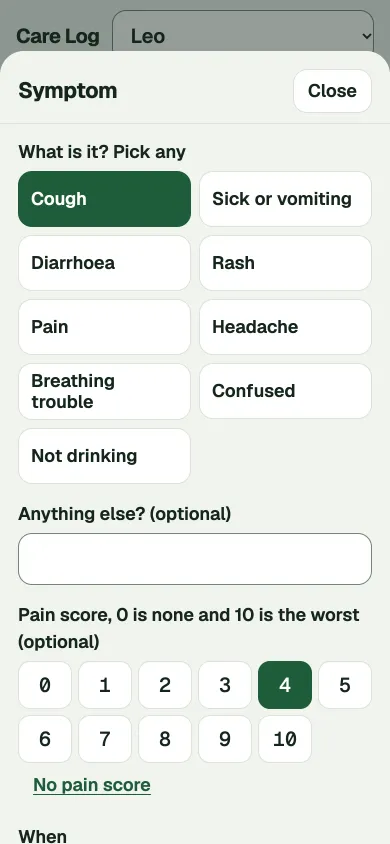
Note a symptom
Tap what you see, add a pain score if it helps.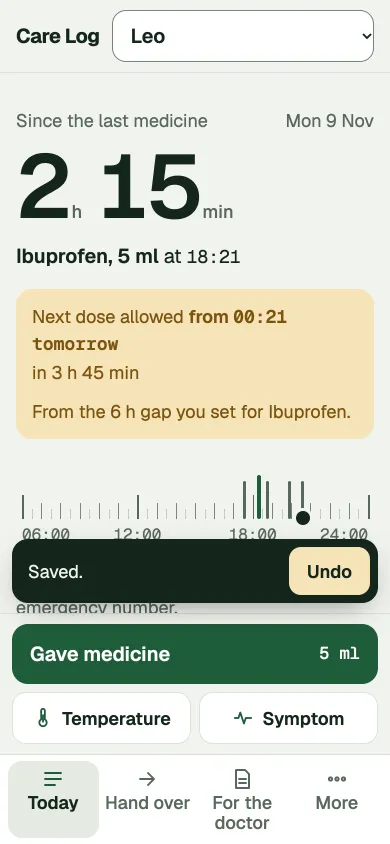
Undo in one tap
A saved note can be taken back for a few seconds.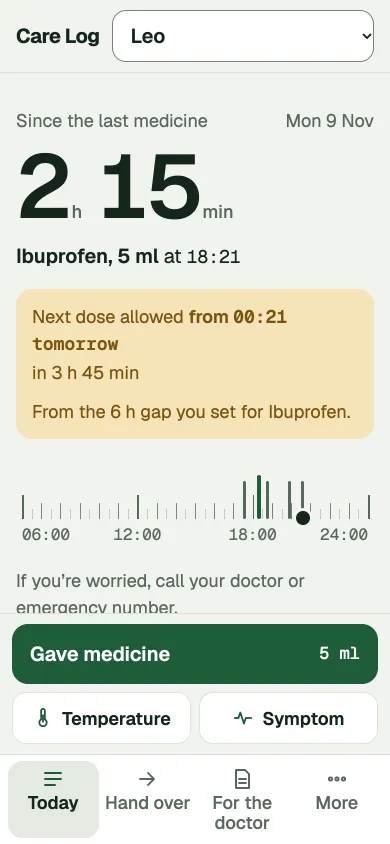
Since the last medicine
One big number, the earliest next time and the day's ruler.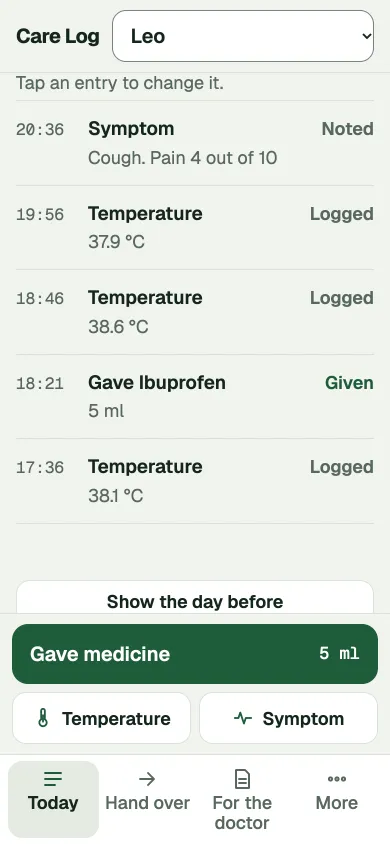
Today's list
Everything written down, newest first. Tap to change it.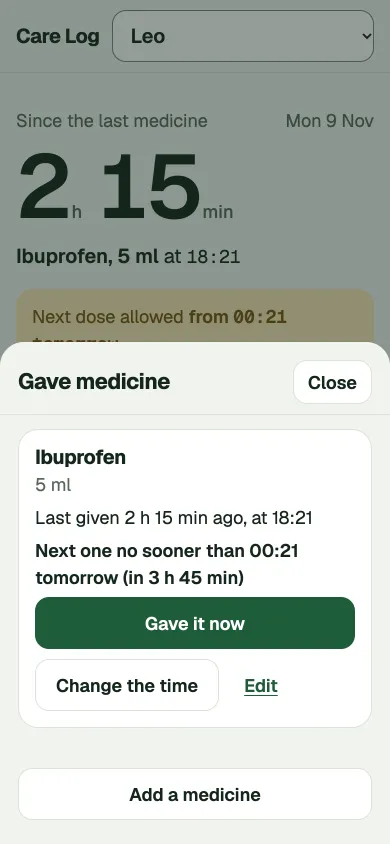
Gave medicine
When each medicine was last given, and the next time you set.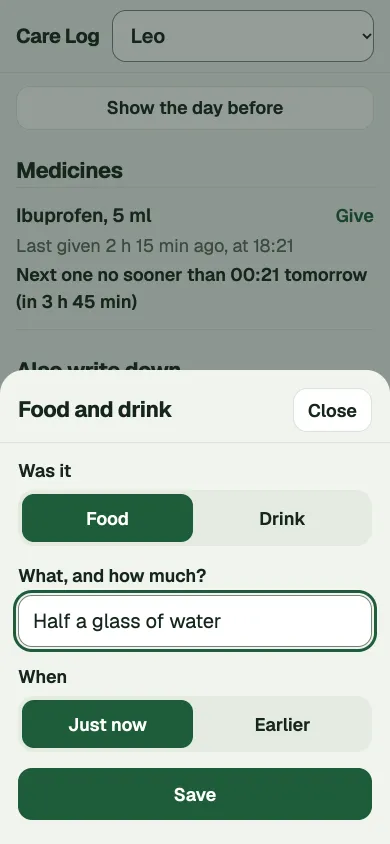
Food and drink
Write down what was eaten or drunk.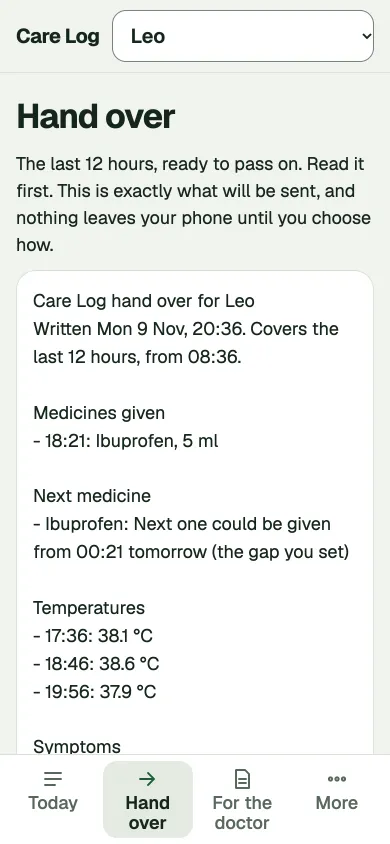
Hand over
A plain summary of the last 12 hours, shown in full before it goes anywhere.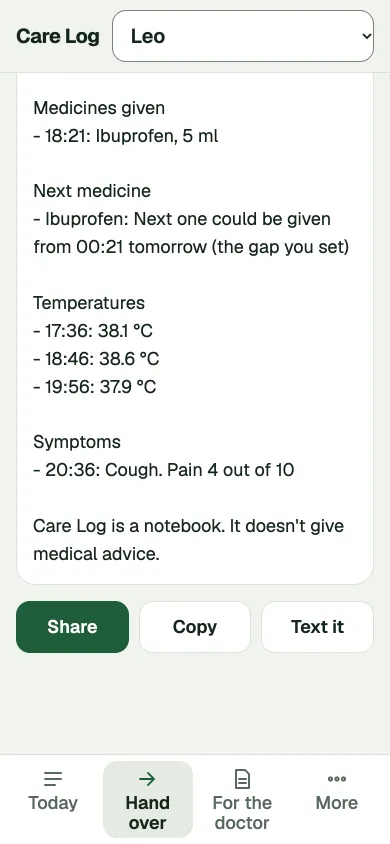
Share it your way
Share it, copy it or text it to the next carer.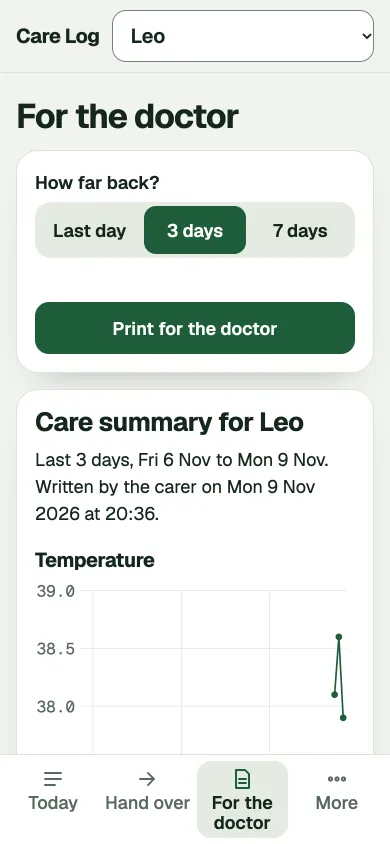
For the doctor
Choose the last day, 3 days or 7 days.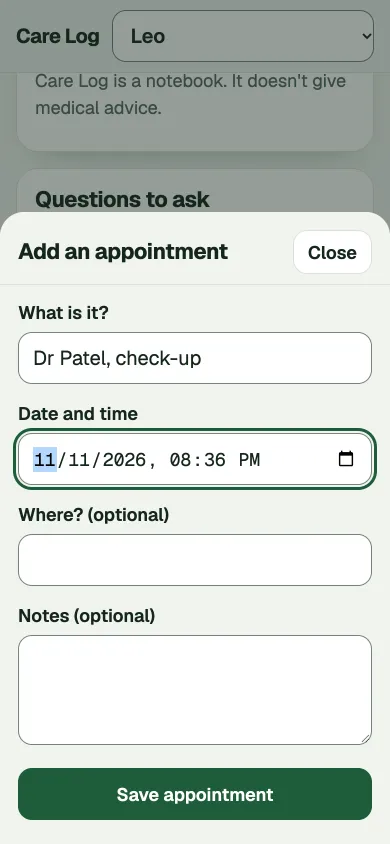
Add an appointment
Keep the next visit with the notes.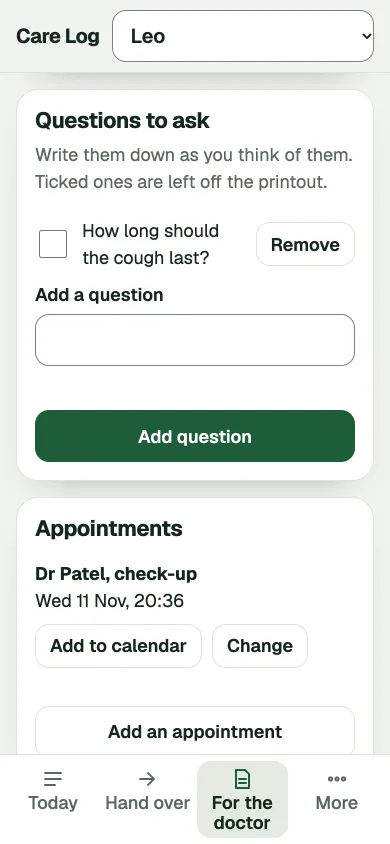
Questions to ask
Write them down as you think of them.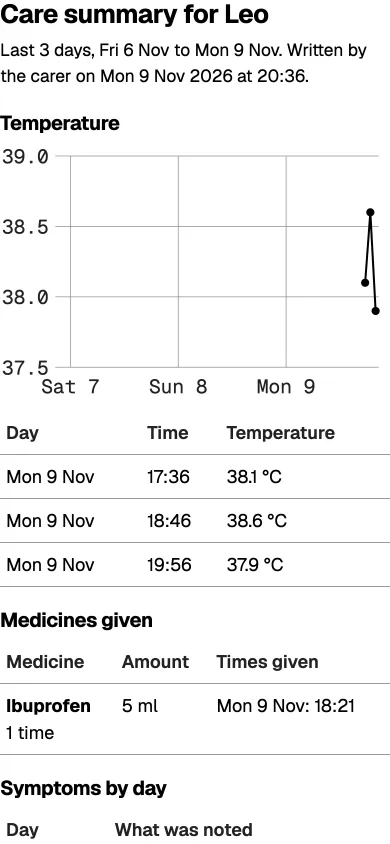
Print or save as PDF
A temperature chart, medicines given and symptoms on one page.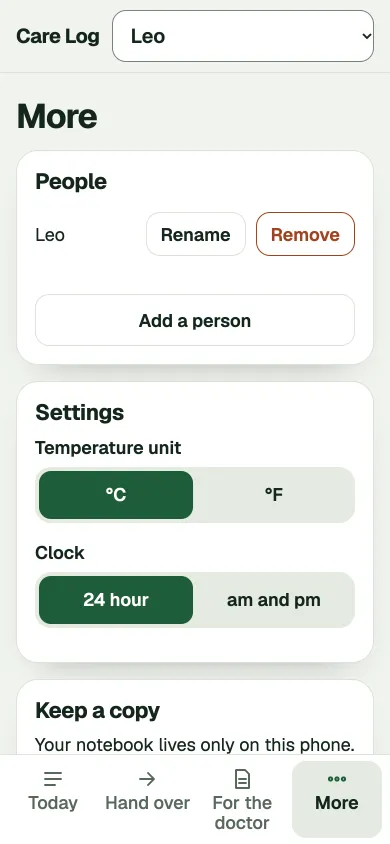
People and settings
Add someone else, rename, and pick units and the clock.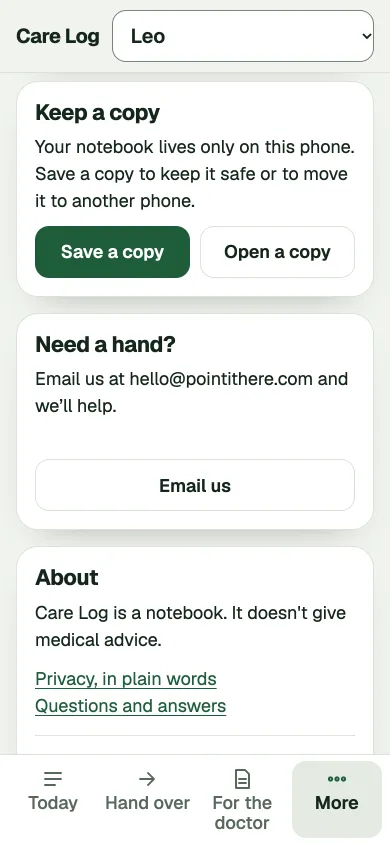
Keep a copy
Save a file of your notebook, or open one on a new phone.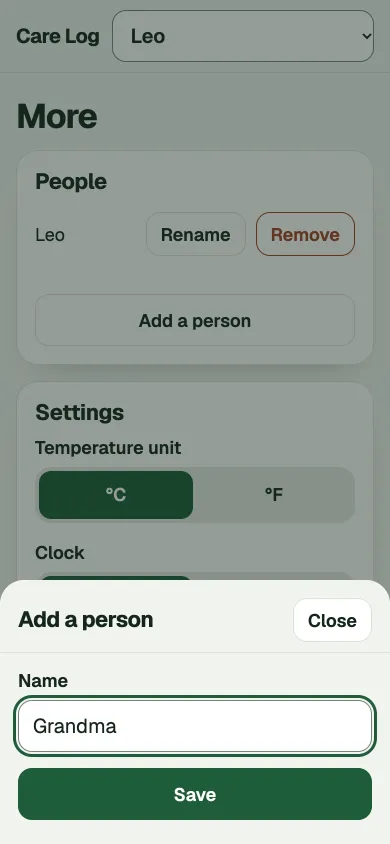
Add a person
Look after more than one person, each with their own notes.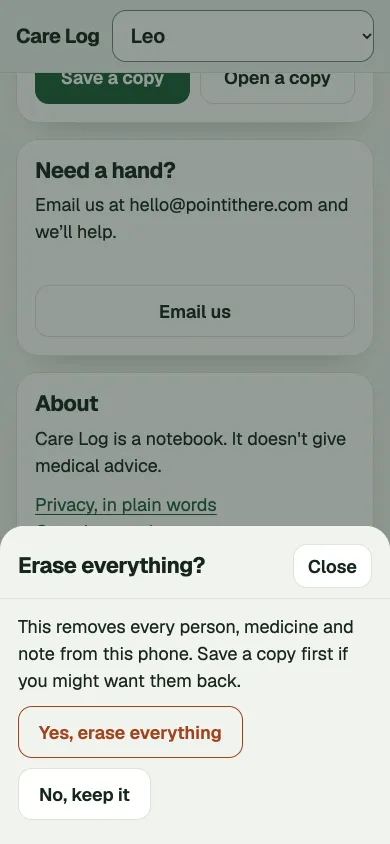
Erase, with a warning
Asks first and explains what will go.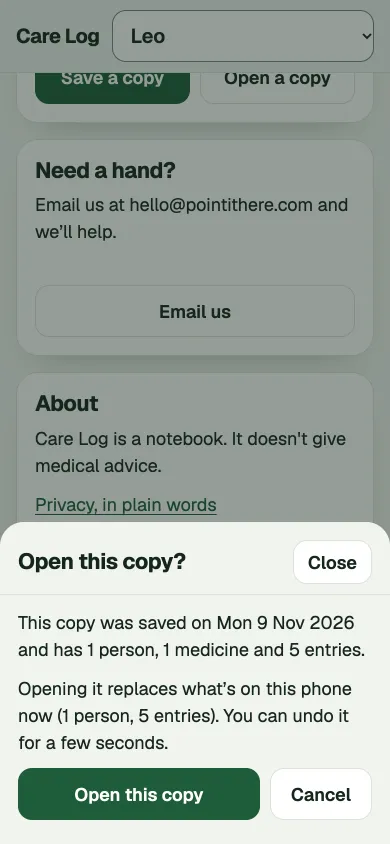
Open a copy
Shows what is in the file before it replaces anything.
Why we built it
When someone you love is ill, you're tired and worried, and it's often the middle of the night. Nobody can remember if the last dose was at two or at three. A scrap of paper gets lost.
We wanted a notebook that's big, quiet and quick, that never asks you to create an account, and that keeps a sick child's or a parent's details on your own phone and nowhere else.
How it works
- Type the name of the person you're looking after.
- Tap what just happened: medicine, temperature, symptom, food or drink, sleep or a note.
- When someone else takes over, tap Hand over. When you see the doctor, tap For the doctor and print.
Care Log only shows what you've written. Any medicine gap, like "no sooner than every 6 hours", is a number you type in yourself from the label or your doctor. Care Log never suggests one.
Questions and answers
Is Care Log medical advice?
No. Care Log is a notebook. It doesn't give medical advice. It doesn't say whether a temperature is high, and it doesn't suggest doses or how often to give a medicine. If you're worried, call your doctor or emergency number.
Where is my information kept?
On your phone, inside your browser, and nowhere else. There's no account and nothing is sent to us. Read the privacy page for every place information can go.
What if I clear my browser or lose my phone?
Your notebook goes with it. In More, tap Save a copy now and then to keep a file somewhere safe. On a new phone, tap Open a copy.
Can two carers use it?
Each phone has its own notebook. To pass things on, use Hand over, which sends a plain summary of the last 12 hours by share, copy or text.
Does it work without internet?
Yes. Open it once with a connection, add it to your home screen, and it works offline after that.
How do I get a summary for the doctor?
Open For the doctor, pick the last day, 3 days or 7 days, and tap Print for the doctor. You can print it or save it as a PDF.
Does it cost anything?
No.